Learn what third-party inventory (TPI) rates are, how they can benefit your business, and what you need to access them through Demand API.
Third-party inventory (TPI) rates are accommodation rates made available through third-party suppliers, such as wholesalers and bedbanks. They complement accommodation inventory sourced directly by Booking.com and can give travellers more options and competitive prices.
TPI describes the source of the inventory. Sell and Net describe the commercial model for the rate. TPI rates may be available as commissionable Sell rates or non-commissionable Net rates, depending on your account setup.
TPI rates are sourced from third-party providers. For Booking.com inventory rate classifications returned in order details, see Booking.com inventory rates.
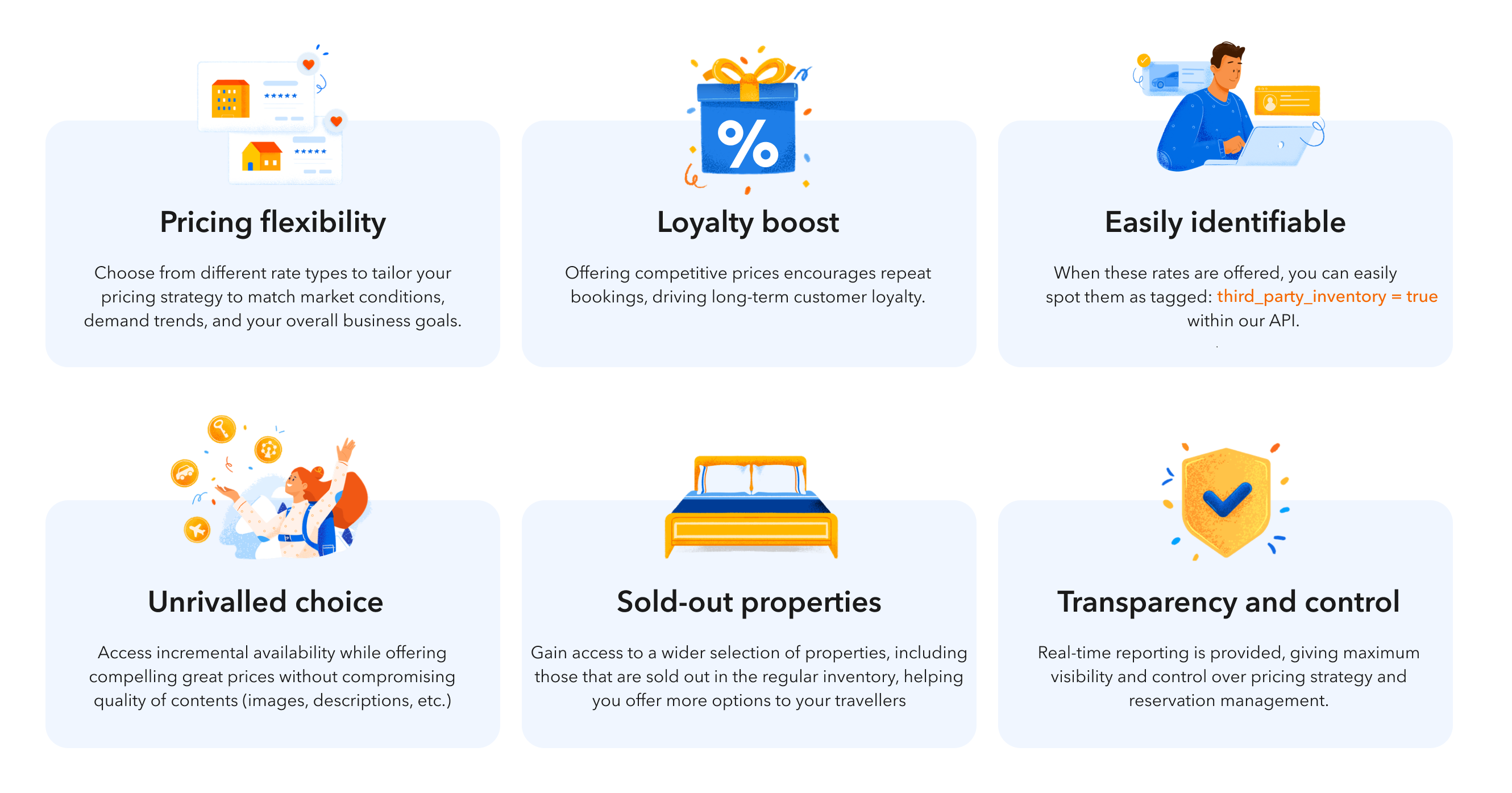
Currently, two types of TPI rates are available:
Sell rates are commissionable. You earn commission according to your existing partnership model.
- Use case: Public and restricted-access distribution (subject to your setup).
- Revenue model: Commission earned per sale.
Non-commissionable rates shown only in opaque or gated channels. You control your margin directly.
- Use case: Closed user groups or opaque channels.
- Revenue model: Margin-based.
To retrieve TPI rates, make sure your integration has:
- Demand API accommodation booking enabled.
- Authentication with a Booking.com token and Affiliate ID (AID). Net rates require a specific AID.
- Support for online payments by credit card and/or Virtual Credit Card (VCC).
- Demand API v3.1 or later. These guides describe the integration using version 3.3.
Check the relevant Sell or Net guide for any additional requirements that apply to your setup.
Keep these restrictions in mind when retrieving and booking TPI rates:
Area | Support details |
|---|---|
| Cancellations | TPI reservations can be cancelled using the orders/cancel endpoint, subject to the restrictions described in the search, look and book guide. |
| Modifications | ✗ Modifications are not supported for TPI bookings. |
| Bookings | ✓ A booking can include one room. TPI rates cannot be combined with Booking.com-sourced rates in the same order. |
Payment methods | ✓ Sell rates - Credit cards and Virtual Credit Cards (VCCs) only. ✓ Net rates - Virtual Credit Cards (VCCs) only. |
| Payment timings | ✓ pay_online_now✗ pay_online_later is not supported. |
| Messaging service | ✗ Messaging service is currently unavailable for accommodation orders using third-party (TPI) inventory rates. |
For more information about timings and payment methods, see the Payments section.
Choose the guide that matches your rate type, then follow the integration guide to search for, book and manage TPI rates.

Commissionable Sell rates
Understand how Sell rates work, who they are for, and how commission is earned.
Read now
Search, look & book TPI rates
Follow the integration flow for retrieving, displaying and booking eligible TPI rates.
Read now
Post-booking and reporting
Learn how to retrieve TPI transaction reports and manage cancellations.
Read now